Auth Recovery
Auto recovery for the forms users cannot afford to lose.
Auth Recovery quietly saves in-progress drafts, detects when a page has recoverable data, and restores fields with one click after reloads, crashes, or accidental navigation.
The product page goes deep where home stays broad.
Milio can introduce many modules from the home page. Form Guardian gets its own page for the full story: autosave, recovery, security posture, settings, screenshots, and launch CTA.
Drafts are saved while users type, before the page can fail.
Auth Recovery watches text inputs, textareas, selects, and supported form controls with a debounced background worker. It is designed for checkout forms, support tickets, long comments, job applications, and internal tools where a lost draft costs real time.
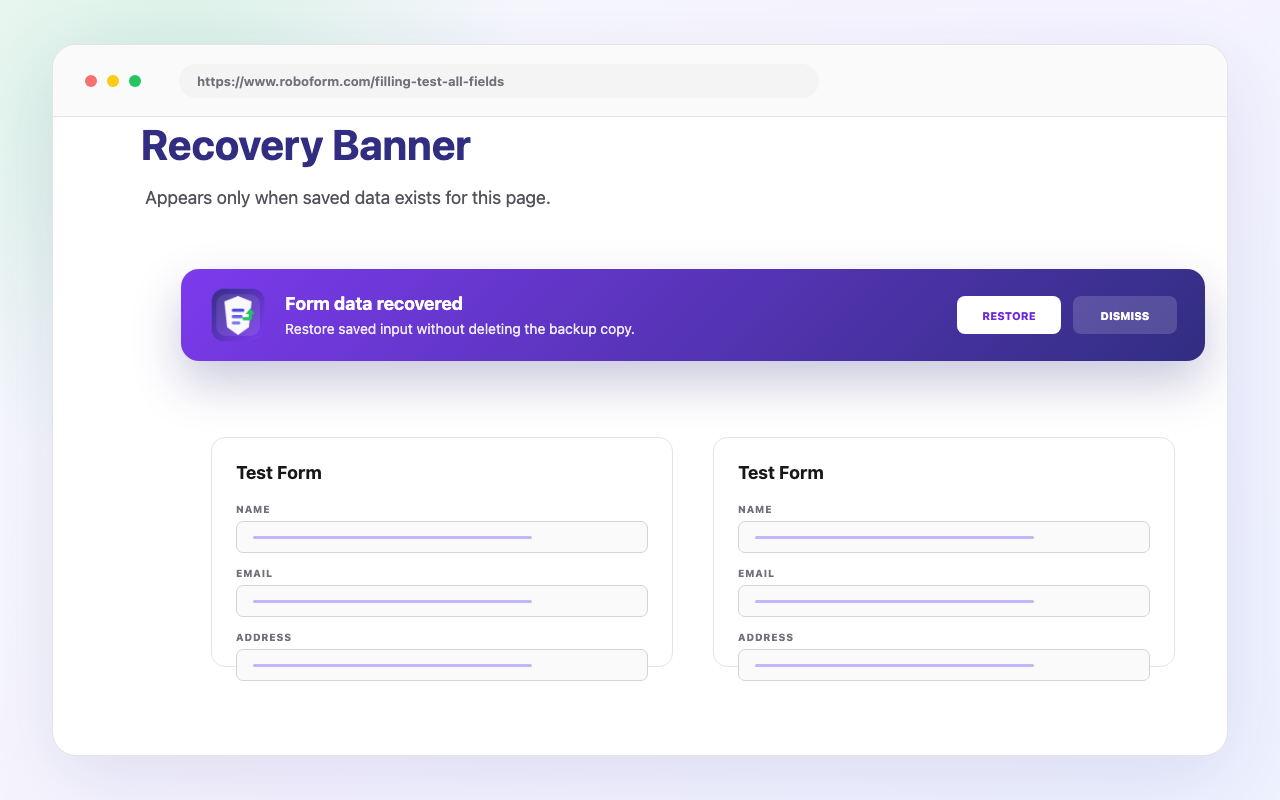
A clean restore prompt appears only when a draft exists.
After a crash, reload, accidental tab close, or broken connection, the in-page banner gives users one obvious action: restore the saved form. No modal takeover, no copy-paste workaround, and no guessing which tab had the draft.
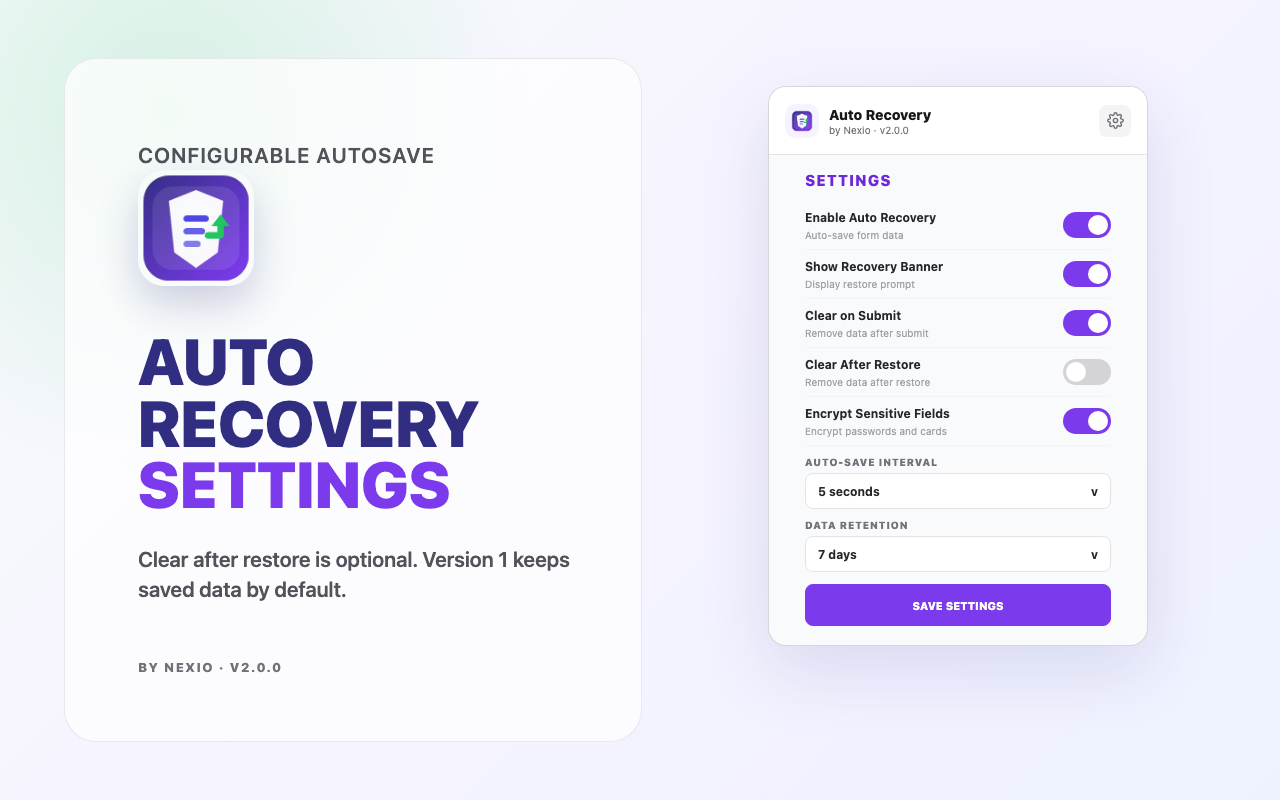
Retention, protection, and cleanup settings stay visible.
Users can tune autosave behavior, keep recovery prompts on or off, retain drafts for a chosen window, and remove saved records from the extension popup whenever they want.
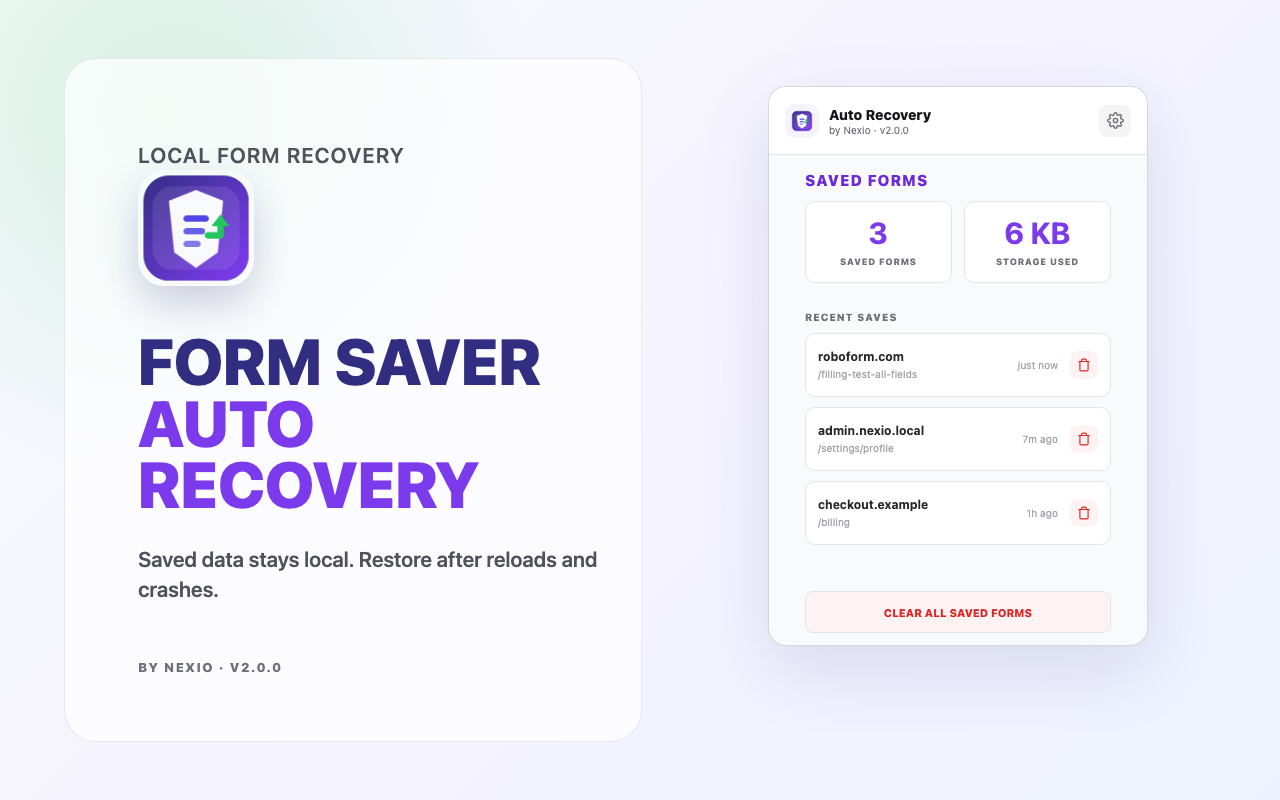
Recovery should feel useful, not invasive.
The copy and UI focus on trust: browser-first recovery, sensitive-field safeguards, visible controls, and clear cleanup paths before the Chrome Store launch.
Draft recovery is positioned around browser storage rather than server sync.
Password, card, token-like, and protected inputs stay governed by extension safety rules.
Users can keep saved forms short-lived and clear records from the popup.
Sensitive sites can be excluded from capture behavior.
Made for high-friction forms.
Application forms
Keep resumes, cover letters, and multi-step profile fields recoverable after reloads.
Support desks
Protect long customer replies when a helpdesk session expires or the network drops.
Checkout flows
Recover non-sensitive progress while sensitive fields stay guarded by local rules.
Internal tools
Reduce lost admin updates in dashboards, CMS screens, CRMs, and custom portals.
Start free. Upgrade when recovery becomes daily work.
These plan limits mirror the current Auth Recovery module capabilities: Free covers occasional saves, while Pro is built for unlimited drafts, faster autosave, longer retention, and encrypted stored data.
Free
$0/monthFor light browsing and occasional form recovery without setting up billing.
Pro
$4.99/monthFor people who write long forms often and want faster saves, longer retention, stronger stored-data protection, and better record organization.
A launch-ready product story with real UI.
Questions people ask before installing.
What happens if my tab reloads or Chrome crashes?
When you come back to a page with a saved draft, Auth Recovery shows a small recovery banner. Click restore and the fields are filled back in from the last saved version.
Will it save passwords or credit card details?
Auth Recovery is designed to avoid sensitive fields such as passwords, card numbers, CVV fields, tokens, and other protected inputs. The goal is to recover normal form work without making private fields risky.
Can I delete saved drafts?
Yes. Open the extension popup to review saved drafts and remove individual records. You can also clear older entries through the cleanup and retention settings.
Will it slow down websites while I type?
Auth Recovery saves in the background with a debounced cadence, so it does not try to write on every keystroke. It is built to stay quiet while you work.