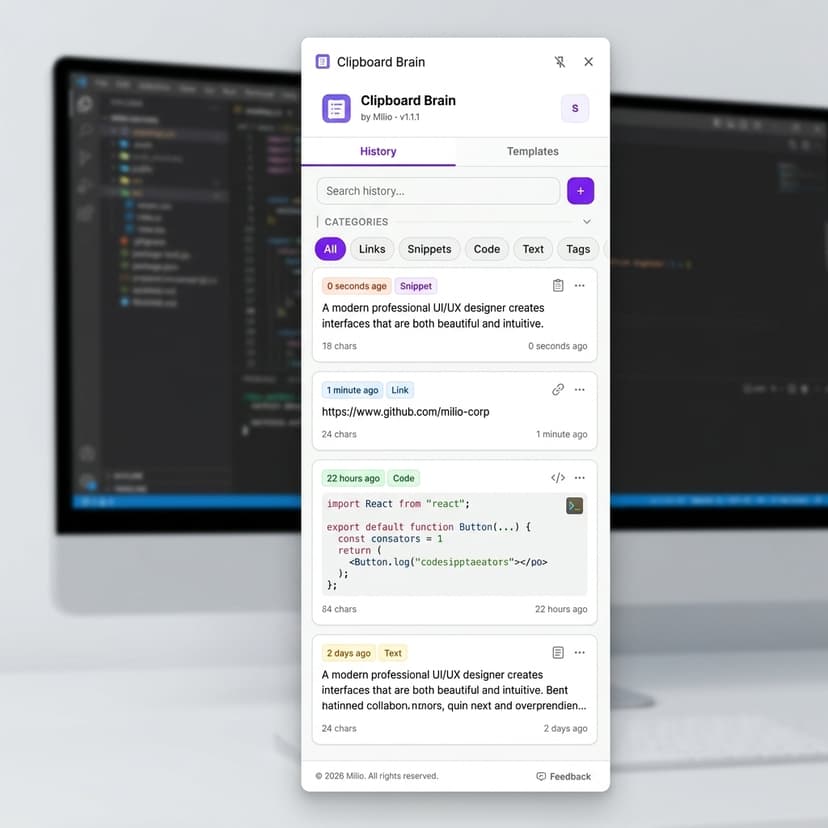
Clipboard Brain
Turn copied text, links, and snippets into a searchable memory layer.
Clipboard Brain watches the useful things you copy, clusters them by context, and helps you recover the exact source, note, prompt, or quote when your browser work gets messy.
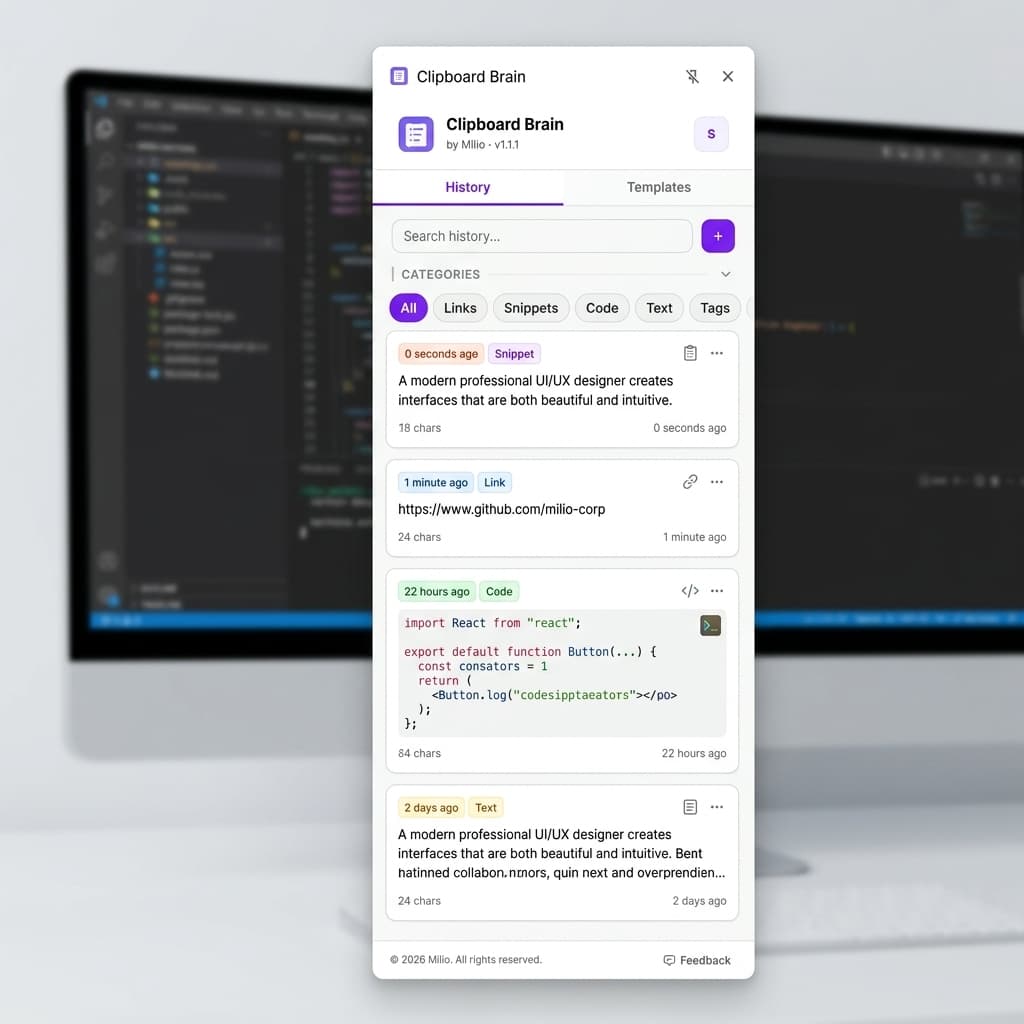
A clipboard that remembers why something mattered.
Instead of a flat clipboard history, Clipboard Brain adds search, source context, and lightweight organization so copied information can become reusable knowledge.
Capture without switching apps
Copy text, links, prompts, code, and notes as usual. Clipboard Brain keeps the useful trail without forcing a manual filing ritual.
Find by meaning, not exact words
Look up the idea you remember and recover the clip, source URL, timestamp, and nearby context that made it useful.
Group clips into work sessions
Research, support, sales, and writing sessions stay readable because clips are clustered by page, domain, topic, and time.
From copied fragment to reusable context in seconds.
Clipboard Brain is designed for people who live across tabs: researchers, operators, founders, writers, and support teams who copy important fragments all day.
- Copy normally from any page, document, CRM, inbox, or internal tool.
- The extension stores each useful clip with source metadata and session context.
- Search later, restore the source, or reuse the fragment in the current workflow.
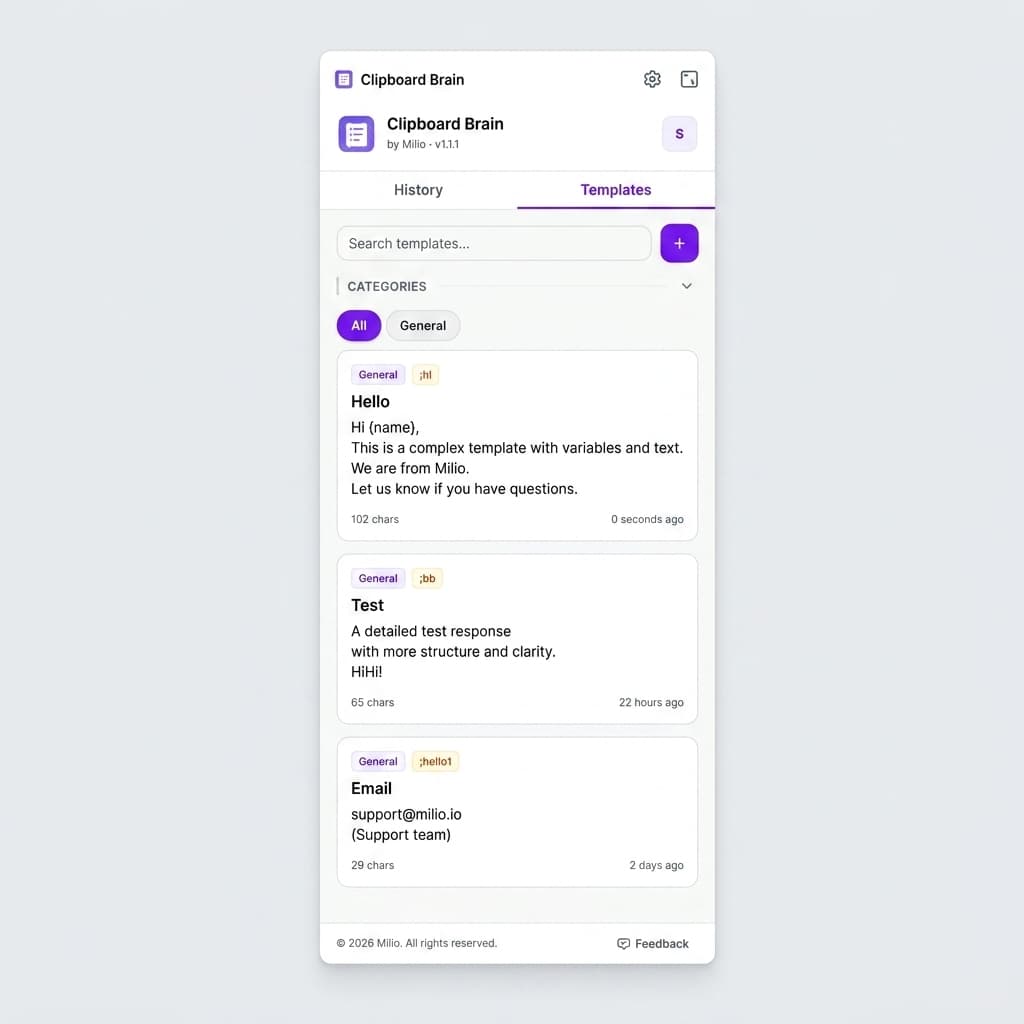
Made for workflows where copied context keeps disappearing.
Research
Collect quotes, links, and references without losing the page that made them relevant.
Sales
Keep competitor notes, customer phrases, and objection snippets close to the deal context.
Support
Recover exact error messages, docs fragments, and reply patterns during live issue triage.
Writing
Turn scattered copied ideas into a clean set of reusable notes for drafts and briefs.
Your clipboard should be useful without becoming invasive.
The product story is privacy-first: clear controls, sensitive-content boundaries, and storage choices that match how personal clipboard data can be.
Local-first memory
Clipboard history starts on the device, with sync treated as an explicit user choice.
Sensitive data boundaries
Password-like, token-like, and protected fields can be filtered before they enter memory.
Visible cleanup paths
Users can search, pin, export, delete, and wipe sessions without digging through hidden settings.
Choose your memory tier
Keep it entirely on your device for free, or unlock advanced privacy filters, historical search length, and secure backup integrations.